Compression with musical soul
Compression with musical soul
Presswerk is more than an emulation of a single hardware compressor. Like Satin, Presswerk is a toolkit, drawing ideas and inspiration from a number of sources. It starts with warmth of classic analogue units and adds features only possible in the digital realm. The result is a powerful compressor with a rich feature set and a very musical soul.
Presswerk was designed to fit into any workflow, no matter what task you throw at it. Presswerk gives you the tools for better sound.
Hover over the dots  below to learn about Presswerk’s features
- Dual channel (stereo) or 2 independent channels
- Compression ratio from 1:1 to 20:1, adjustable linearity and knee, auto-makeup option
- 6 special views for better workflow: Easy, Vocal, Drum, Bus, M/S and Limiter
- Capable of internal sidechaining, with bipolar delay, low cut and high cut filters (6 or 12dB per octave)
- Internal parallel (New York) compression
- M/S mode
- Dual Phase Rotator (DPR) emulates classic broadcast transient option
- Variable detection topologies: Feed-forward, Feed-back or Interactive
- Complete set of response controls: attack, release with adjustable auto-adapt, RMS window time
- Saturation before or after the compressor, with variable warmth and dynamics
- Dry / Wet mix controls with highpass filter, downward expander option
- Global preferences page
- MIDI learn page and editable list
- Resizable UI from 50% to 200%
- Skinnable UI
- Over 120 factory presets for common compression tasks
Sights and sounds
- Audio Demos
- Videos
- Screenshots
Read details about how we used Presswerk.
Listen to the different versions.
Listen to the different versions.
Rock example
Power to Fly was recorded in Logic and mixed in Cubase with 18 instances of Presswerk in total.
- Drum Group (bass drum, snare, high-hat, ambience, overheads, toms): uses the Drum Compressor View. Ratio and Input for compression; Saturation for harmonic overtones; Soft Clip on.
- Bass: uses the Easy Compressor View. Threshold and Ratio for compression; Adjust Response; Soft Clip on
- Guitar: uses the Bus Compressor View. Adjust Attack and Release; Ratio is 4 fix; Soft Clip on
- Vocal: uses the Vocal Compressor View. Adjust Input and Ratio for compression; Enhance to open the voice
- Master: uses the Limiter View. Mode is Balanced; Threshold for limiting; Saturation for harmonic overtones and warmth
Drum examples

Vocal examples
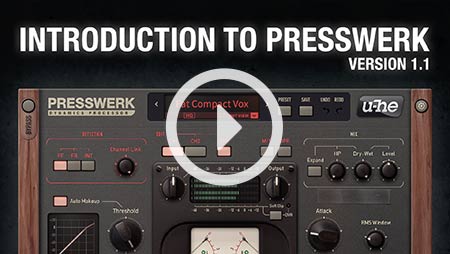
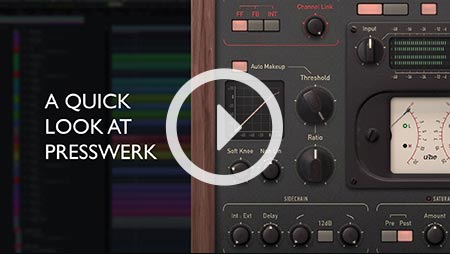
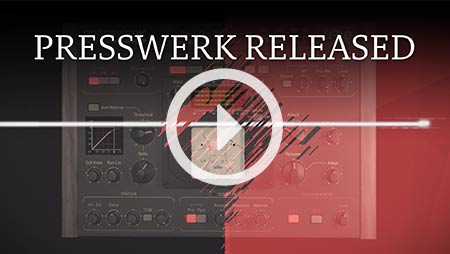
Presswerk has all the features you expect in a compressor …
- Sidechaining: Use ducking to create more space in your mixes, or get creative with keying and pumping effects.
Note: For help on how to get Presswerk sidechained in your DAW, please read these instructions
 compiled by our KVR forum members.
 - Adjustable compression curve and envelope: Find the best settings, get the most out of your audio using the soft knee, compression ratio, attack and release and other controls.
- Loud: Oh yes, Presswerk is more than capable of making your tracks louder.
- Soft clip: Roll off those harsh peaks and avoid distortion when output levels get too high.
…plus what we added to enhance Presswerk’s capabilities:
- 6 special views for better workflow: Drum Compressor, Vocal Compressor, M/S Program Compressor, Easy Compressor, Bus Compressor, Limiter (see the screenshots above).
- M/S mode: More detailed stereo signal processing
- Dual Phase Rotator (DPR): applies a radio broadcaster’s trick to reduce unwanted asymmetries in the signal. It smears phases, increases headroom a little and adds bass ‘oomph’.
- Saturation: This is where Presswerk really shines—adding colour and character to your audio. Apply Saturation sparingly for subtle warmth and transient-taming, or crank it up to create tape overdrive-like effects.
- Internal parallel compression: The Mix controls let you blend the compressed and uncompressed signals. This helps preserve some of the original, natural dynamics.
- Variable detection topologies:
- Feed-forward is modern and ‘surgical’, it tracks the input very precisely.
- Feed-back is ‘musical’, loose-sounding and forgiving—like classic hardware.
- Interactive continuously analyzes the signal and blends FF and FB accordingly.
- Adjust and store global preferences
- New MIDI learn controls
Releasetime
4/5
Resident Advisor December 2014
Marc Mozart December 2014

 Audiofanzine
February 2015
Audiofanzine
February 2015
Computer Music
Professional Audio
8.6/10
Product London July 2015
Bundle options
Everything Bundle
All our plug-ins in one bundle
999 €
All Effects Bundle
All u-he effects
499 €
Studio Bundle
Value of individual products: 457 €
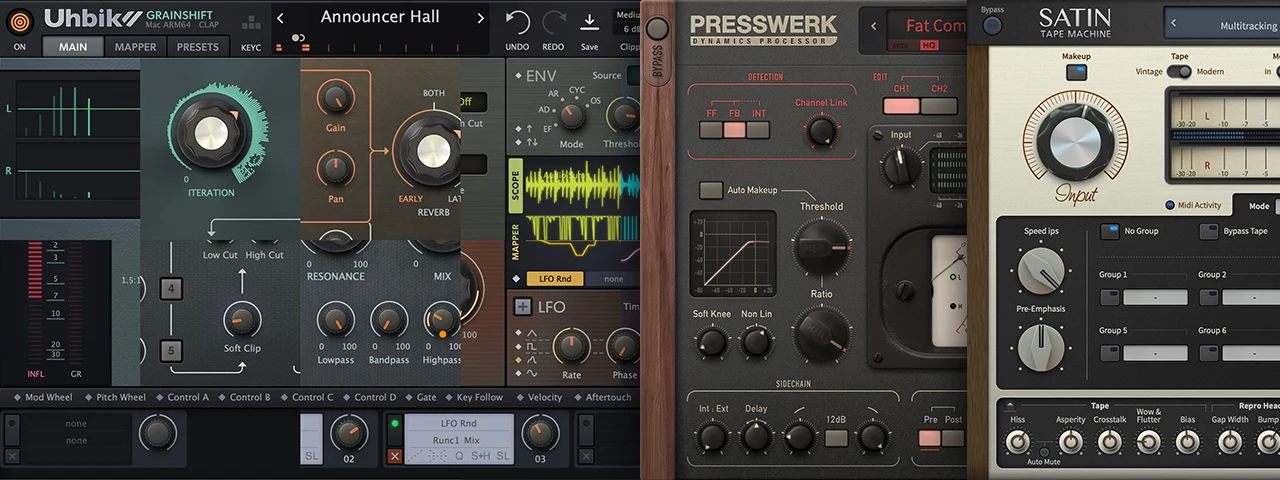
Our renowned studio effects, now united: Presswerk, Satin, Uhbik 2.
249 €