Gateway into modular
Gateway into modular
Compact, clear, a careful selection of modules and semi-modular architecture makes ACE easy to learn. Simple but not simplistic. Compact but not limited. Clear but definitely not underpowered. With the ability to connect any output into any input, ACE is a powerful synth with tools and features ready for beginners or seasoned users.
- Semi-modular architecture (with default routing)
- Oscillators include pulse width modulation (PWM), sync, internal ring and cross modulation (FM)
- Polyphonic (up to 16 voices), duophonic or monophonic (retriggered or legato)
- Powerful glide options: constant rate or constant time, percentage range control, per-oscillator offset
- Up to 8 voice unison (stack) with +/−2 octave individual detuning
- 2 multimode analogue-style filters
- 2 ADSR envelopes with fall/rise, snap, singing option for authentic analogue-style voice triggering
- 2 LFOs with 0Hz to 20kHz frequency range (can be used as VCOs)
- 2 multiplex modules for signal mixing / crossfading, ring modulation, amplitude modulation etc.
- 1 syncable and loopable ramp generator
- Mixer with modulation inputs
- MIDI modulation and performance: wheels, velocity, pressure, key follow, gate, 2 user-definable MIDI CC
- Circuit bending options: slop, crosstalk, oscillator cap failure
- 3 effects: chorus/phaser (4 types), delay (7 fixed options), bass and treble controls
- Multichannel MIDI support
- Resizable UI from 70% to 200%
- Over 920 factory presets
- NEW in v1.4.2: Support for Oddsound MTS-ESP
- NEW in v1.4.3: MPE Support Sights and sounds
- Videos
- Demo Tracks
- Screenshots
 Watch more tutorials in our tutorials section.
The two VCOs act as the main sound generators, but as ACE does not differentiate between audio and control (modulation) signals, the full-range LFOs can also be used to generate audio frequencies.
ACE’s oscillators are modelled on analogue circuits, including instabilities and various non-linear characteristics. You can push these characteristics further using the Circuit Bending options.
If the bottom end needs beefing up, try adding the sub-oscillator. For more intense, complex sounds, try ***VCO2’***s ring modulation, sync and cross modulation.
Not typically found in analogue synthesizers, ACE’s Mapping Generator is a useful addition with a variety of uses. The Mapping Generator is a list of up to 128 values. You can use the drawing tools to edit the values and create your own patterns, or choose pre-built shapes. This map can be stepped through for each played note, it can create per-note offsets, it can transform any modulation source or be used as the LFO2 waveform.
Like the oscillators, the two filters are modelled on analogue hardware and deliver satisfyingly analogue results. You can overdrive the filters without introducing any harsh distortion, and the resonance remains intact. Or you can take advantage of the self-oscillation feature for chaotic timbres and more experimental sound design.
For an extra aggressive sound, route your signal through both filters and crank the resonance on the second filter. Both filters are cascade type multimode circuits with two parallel outputs each.
ACE does not differentiate between audio signals and control signals. Any of the outputs can be plugged into any of the signal inputs. Hook things up, explore new ideas and crazy combinations. Try LFOs as audio oscillators or a VCO as LFO. Plug an LFO into a filter, then use the filter as an FM source for an oscillator.
Sound experimentation awaits, limited only by your imagination … and dinner time.
An array of output sockets provide signals from a variety of different sources: noise, MIDI controls (modwheel, velocity etc.), mapping generator and more …
Use these to add organic life-like dynamics, modulation and refinments your sounds.
Add final touches using the global effects. Pick from a classic stereo chorus with four modes (including phaser) to add richness, a stereo delay with seven immediately selectable modes to add movement, and finally a pair of controls to boost treble and bass.
If the two ADSRs and two LFOs are not enough, try the host-syncable Ramp Generator (essentially a trapezoid, which combines elements of both).
Common to most modular setups, multiples are mix/split devices. Signals are merged and sent onward, or split and sent to different inputs. In ACE the multiples do act as a simple mixer, or can be enlisted for much more interesting possibilities. That is why we renamed them Multiplex. Using the modulation input and some clever cable arrangements, the Multiplex modules can do ring modulation (RM), amplitude modulation (AM) or both at the same time. Or crossfading or inversion …
Without envelopes, your patches would just turn on and off with each note, organ style. Envelopes add dynamics over the length of the note. ACE has classic ADSR envelopes, but with a few extras directly available for more interesting results: Snap, fall/rise, level modulation, rate modulation, velocity. The envelopes can be further with modified in the Envelope Tweaks section. Switch on the singing envelopes for classic analogue retriggering behaviour, or adjust the fall/rise limits.
Gut - sehr gutProfessional Audio
2010 – Gear of the year MusicRadar
2010 – Keybuy Award Keyboard Mag
2010 – Editor’s ChoiceComputer Music
2010 – Performance AwardComputer Music
2010 – Innovation AwardComputer Music
2010 – Value AwardComputer Music
February 2010

May 2010

May 2015
Sounds superb Soundbytes
May 2010
A great synth Amazona
Bundle options
Everything Bundle
All our plug-ins in one bundle
999 €
All Synths Bundle
All u-he synths
599 €
Ursome! Bundle
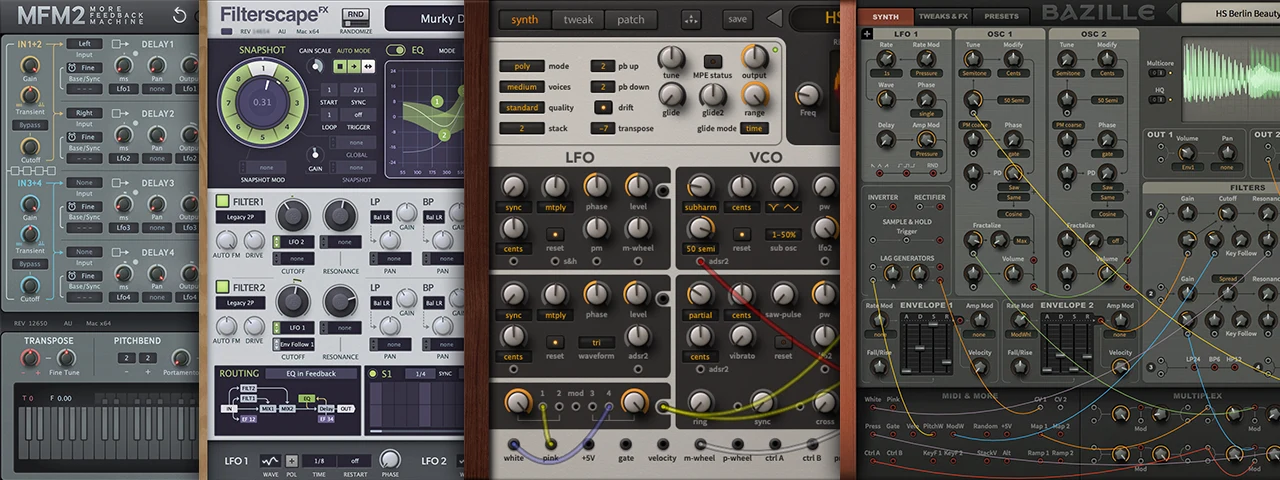
Value of individual products: 426 €
Our geekiest synths and effects, especially for the brave and the curious in search of unusual sonic powers: ACE, Bazille, Filterscape, More Feedback Machine 2.
249 €